Connecting to the Fleet Management Web Application
This section is intended for individuals who own a fleet of vehicles to assist them in their management tasks.
In this regard, DOSER offers these individuals a range of features, including:
Creating and tracking trips
Adding vehicles
Adding drivers
Assigning a driver and a vehicle to a trip
Adding routes
Adding locations (here, this refers to departure and arrival points)
All of this is provided through a fairly intuitive user interface.
In the search bar of your browser, enter the server IP address. In our case, it is “51.195.11.202:8098”. Then press the “Enter” key on your keyboard.
Enter your login credentials (username and password)
You will be presented with a login interface. Enter your login credentials:
Your username
Your password
Then click “LOGIN”.
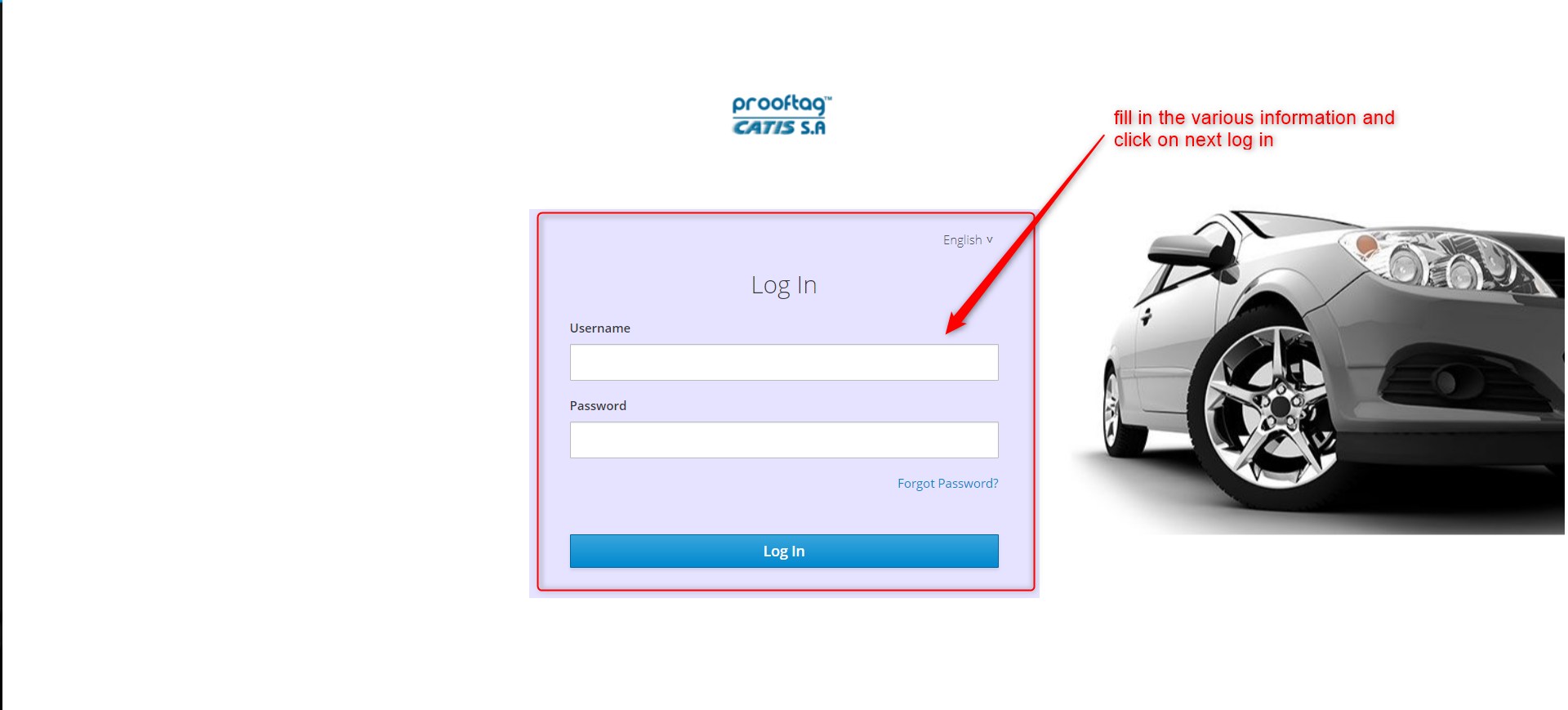
Application Login
Once logged in, you should see an interface similar to the one below:
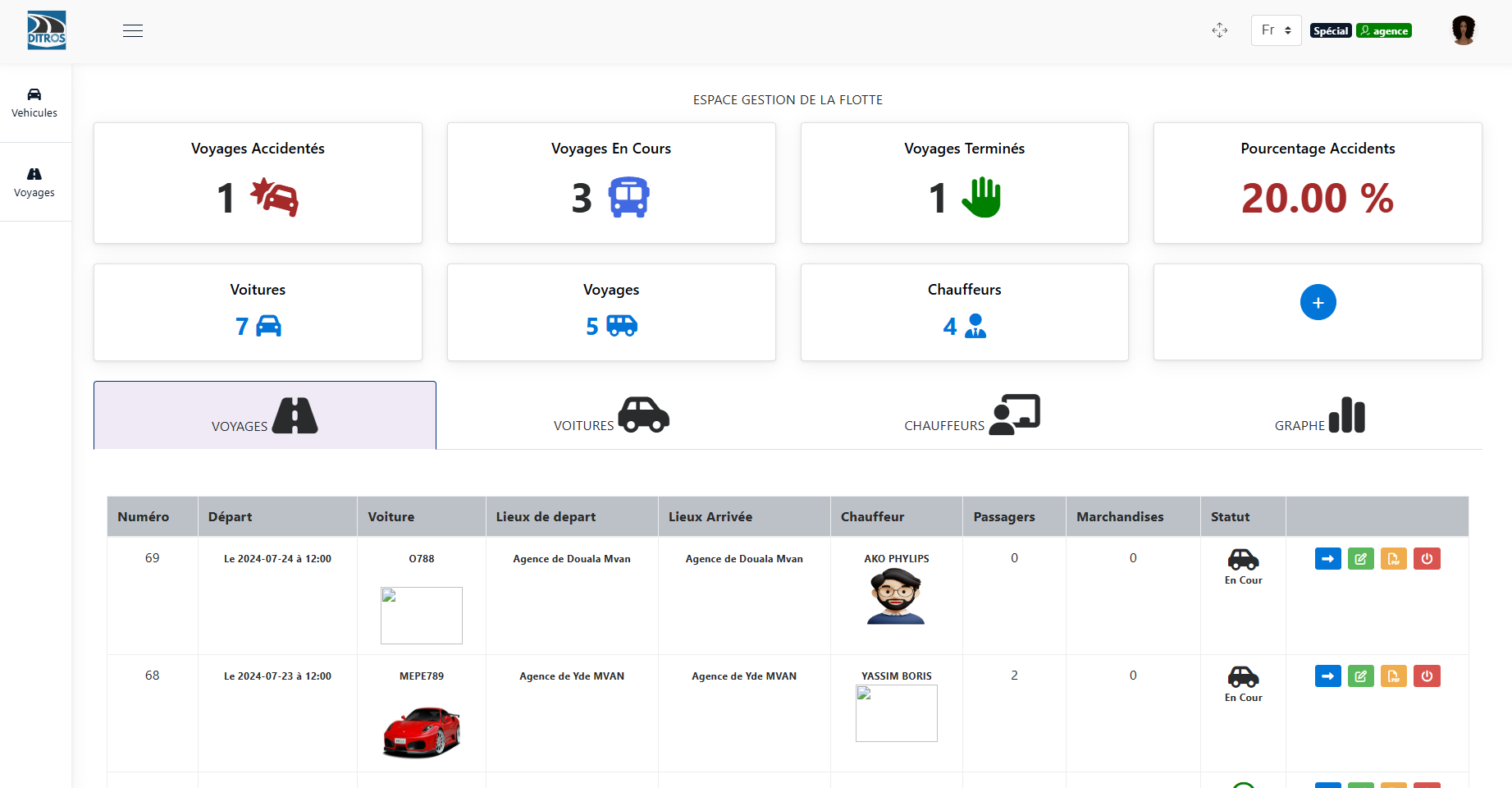
Fleet Management Home