Insurance Management Procedure
Following the hospital’s assumption of care, treatment, examinations, and trauma are immediately initiated. These data recorded at the hospital are made available to the insurer at time t, who will have the capability to accept or reject the coverage of a particular treatment or examination. As the insurance center is capable of evaluating the technical condition of a vehicle and producing a report, it will therefore be able, in the application, to:
Provide insurance contract data.
Identify various vehicle defects.
Manage the injured parties concerning the insured vehicle by validating the treatments and examinations to be covered.
Identify the vehicle and verify the insurance policy.
Manage the vehicles of the injured parties.
Connecting to the Insurance Web Application
This procedure is performed by insurance agents to facilitate the tracking of data when an accident involves one or more vehicles insured by them.
In your browser’s address bar, enter the server’s IP address. In our case, it is “51.195.11.202:8088”. Then press the “Enter” key on the keyboard.
Enter your login credentials (username and password)
You will be presented with a login interface. Enter your login credentials:
Your username
Your password
Then click on “LOGIN”.
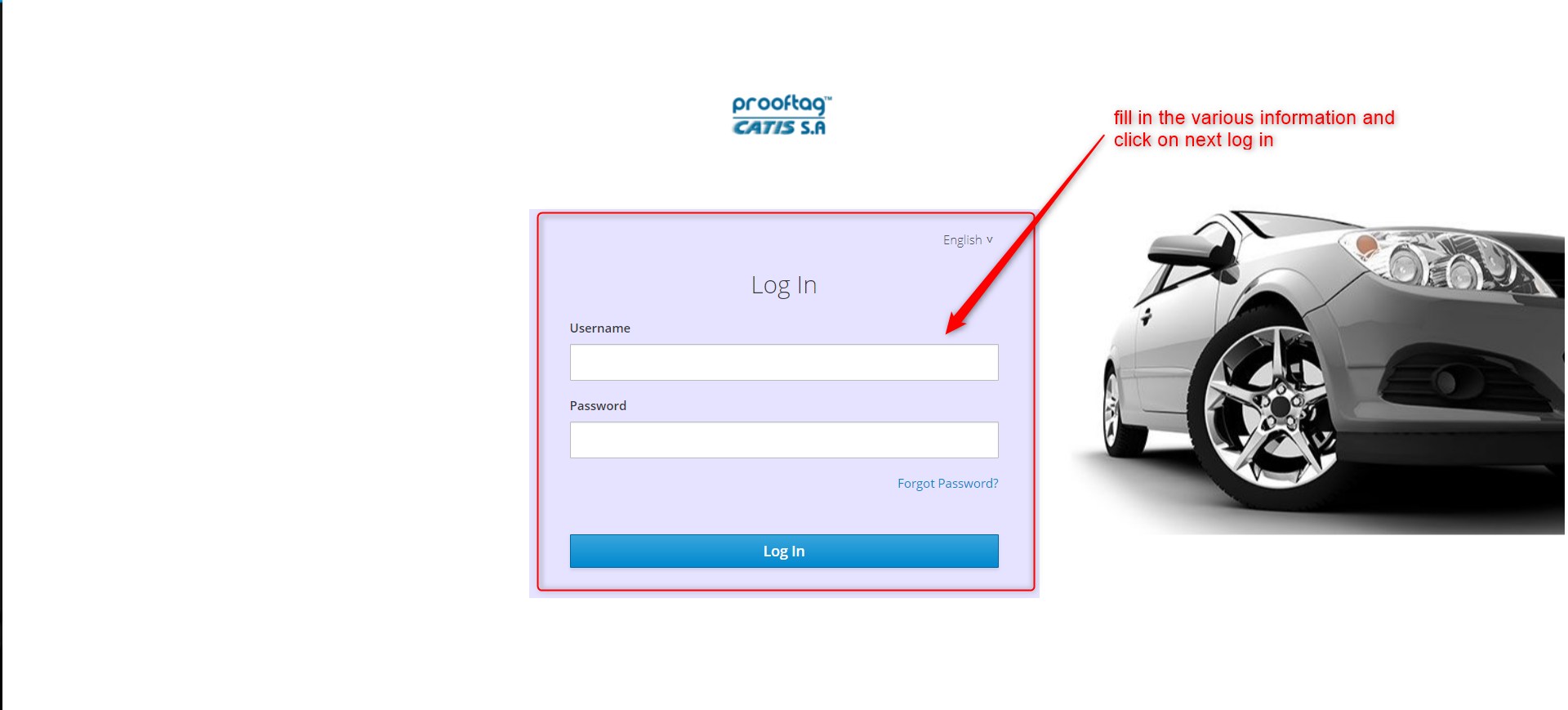
Application Login