Logging into the DOSER MOBILE Application
After installing the mobile application on your handset (phone, tablet, etc.), double-click on the DOSER application icon.
Presentation screens of the application will be displayed. After reading them, click Continue.
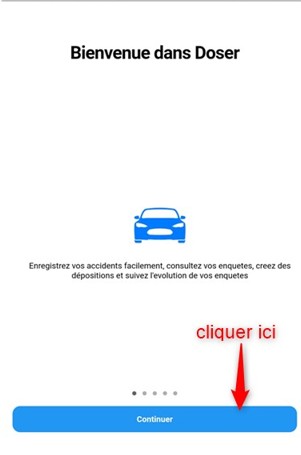
Application startup screen
At the end of the presentation screens, the authentication screen will appear:
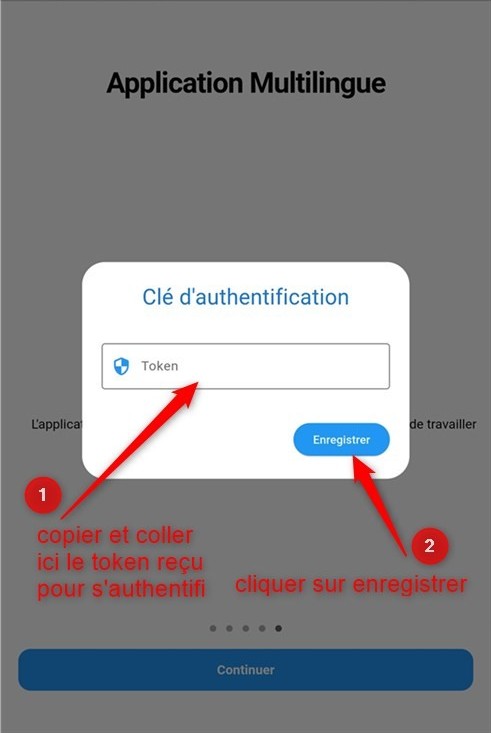
Mobile application authentication screen